
Know Where Every Labor Hour Went
Break each job into the phases and categories that match how you estimate: rough-in, finish, pulling cable, terminating. Employees pick the task when they punch, and your reports show exactly where the hours landed.
What you can manage
Phases per Job
Define the phases each job actually has. Different jobs can carry different phase lists.
Categories under Phases
Nest cost codes under each phase for the task-level detail your job costing needs.
Pick at Punch
Employees choose phase and category when clocking in, with their last selection remembered per job.
One-Tap Task Switch
Switching tasks on the same job is one tap. The old segment closes and the new one opens, no double entry.
Spanish Names
Phases and categories can carry Spanish names, shown to employees who work in Spanish.
Office Corrections
The office can reassign hours to the right phase after the fact, with every change logged.
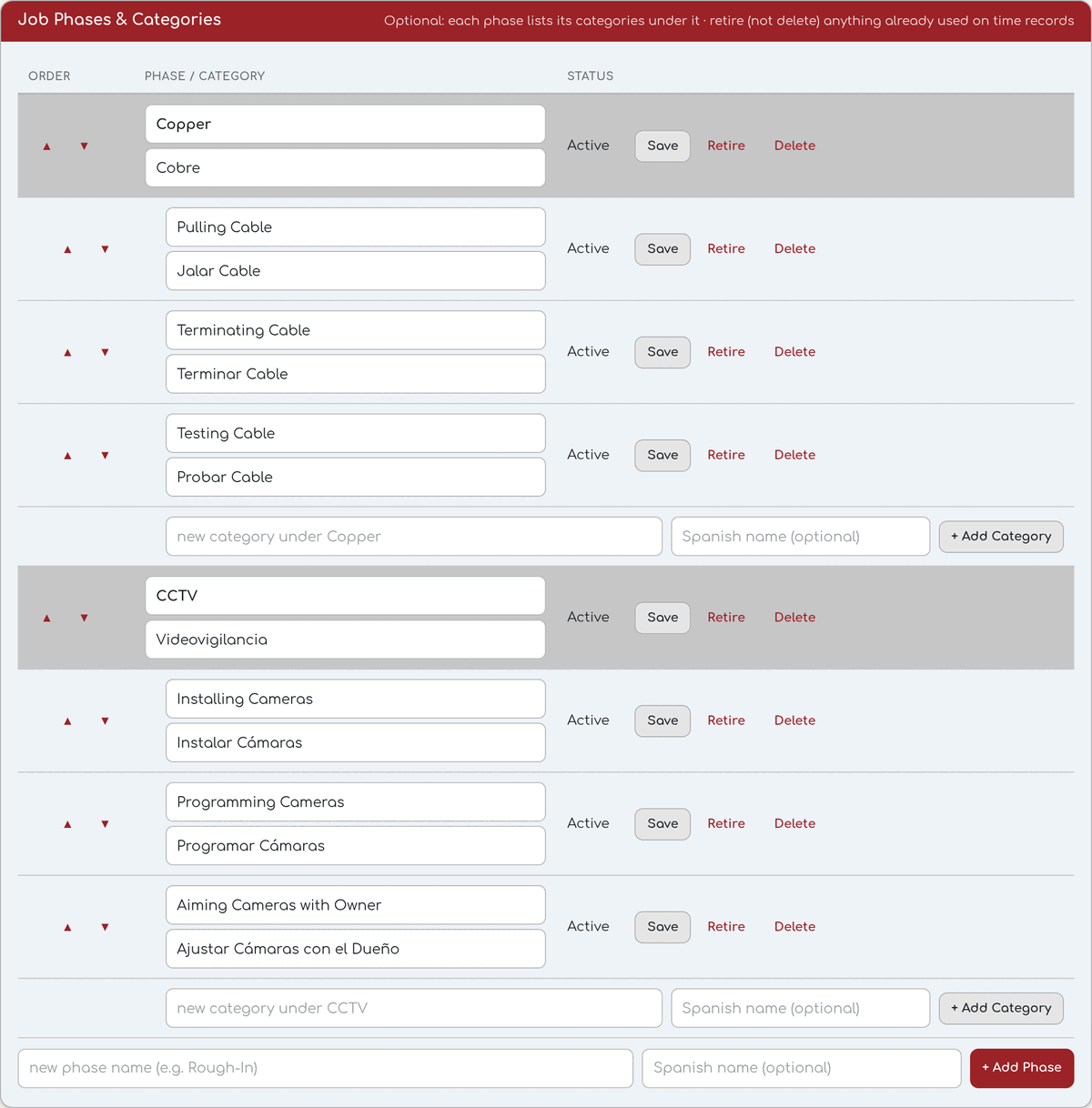
Define phases and cost codes per job, in English and Spanish.